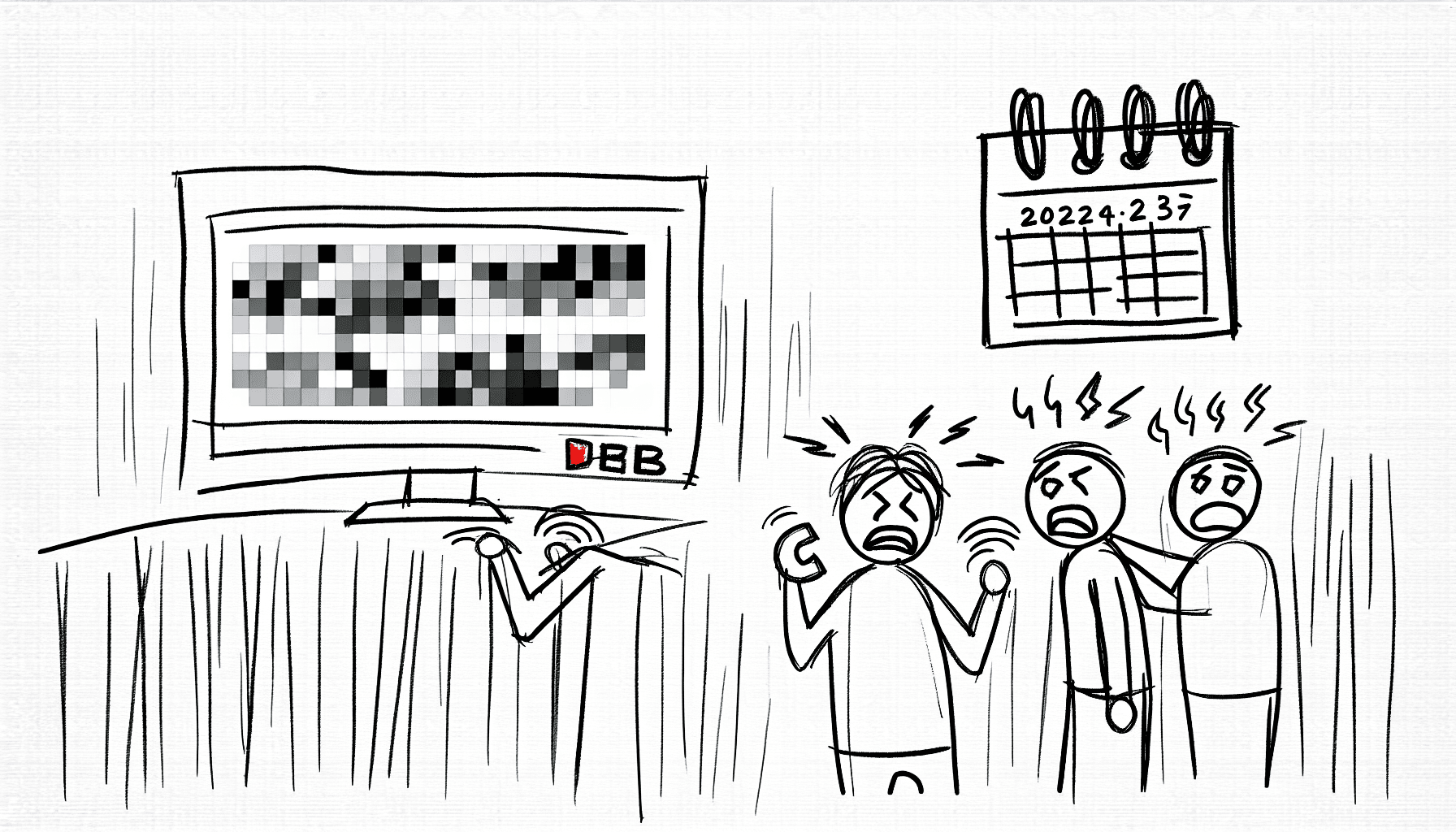
YouTube Video Quality Issue 2025: Why Your HD Streams Look Terrible Now
What’s Causing the Sudden Drop in YouTube Video Quality?
If you’ve noticed a sudden drop in the quality of your YouTube videos recently, you’re not alone. Many users have complained about their HD streams looking terrible, and as we approach 2025, it seems that the platform is facing some significant challenges. First and foremost, it is essential to understand the factors that contribute to these quality issues. Several possibilities could lead to this decline in video quality.
One potential culprit is increased user load. With more people than ever streaming videos, YouTube’s servers may struggle to keep up, especially during peak usage hours. This overload can lead to buffering and lower resolution streams for users, even if they have high-speed internet connections.
Another factor can be attributed to compression algorithms. As platforms like YouTube continuously try to improve streaming efficiency, they often compress videos to save bandwidth. This process, while beneficial in many ways, can result in a loss of quality, especially if the algorithms aren’t finely tuned for different types of content.
Additionally, regional factors, such as ISP throttling, can greatly affect video quality. Users may find that their Internet Service Provider intentionally slows down their connection when they exceed specific data thresholds, especially for high-definition streams. This limitation can lead to frustrating viewing experiences as videos load in lower resolutions than intended.
Lastly, software issues can also play a role. Updates to browsers or the YouTube app can introduce bugs or performance slowdowns that diminish the streaming experience. It is essential for users to update their apps regularly and check for any ongoing issues reported by the platform.
In conclusion, the sudden drop in YouTube video quality can stem from various issues, ranging from increased user load to software bugs. The complexity of streaming technology, coupled with external factors such as ISP practices, creates a challenging environment for users seeking an uninterrupted, high-quality viewing experience. As we navigate through 2025, staying informed about these challenges and understanding their sources will help viewers manage their streaming environments better.
Platforms Affected by the Streaming Glitch—And the One That’s Not
If you’ve been watching YouTube lately and noticed the video quality dropping to 144p or 360p more often than usual, you’re definitely not alone. Many users have reported similar experiences across various devices, creating a buzz of confusion and frustration. The issue seems to be widespread, affecting numerous platforms from Apple devices to Samsung products, and even home desktop setups. The current scenario has left many of us wondering why this sudden dip in quality occurred, and while there’s no clear answer yet, it seems that the issue is linked to specific devices and software configurations.
The glitch seems to be particularly pronounced on older versions of browsers and operating systems, especially among users who have not updated their software in a while. For instance, users on older versions of Windows or Android may find their YouTube videos defaulting to the lower resolutions more frequently. In contrast, newer updates on Windows 11 and the latest versions of Google Chrome have reportedly fared better. However, this offers little comfort to those with older devices who rely heavily on streaming services like YouTube.
Temporary Workarounds
For those feeling the pains of this glitch, there are some temporary workarounds. Changing the video quality settings manually, using an alternative browser, or clearing the browser cache can sometimes help improve your viewing experience. Of course, these steps may feel tedious, especially when you just want to sit down and enjoy your favorite content without stress. It’s clear that while many platforms are wrestling with this glitch, not every service is experiencing the same level of degradation. Streaming services such as Netflix and Hulu have reportedly remained largely unaffected, leaving users satisfied on those fronts.
Ultimately, as frustrating as this YouTube video quality issue in 2025 might be, it serves as a reminder of how interconnected our digital experiences have become. Problems like these remind us to remain proactive about software updates and device compatibility. Moving forward, let’s stay informed and keep advocating for high-quality experiences across all platforms!
Temporary Workarounds to Improve Your YouTube Watching Experience
YouTube has become an essential part of our daily lives, providing entertainment and educational content to millions around the globe. However, if you’ve been experiencing issues with your video quality lately, you’re not alone. The recent bug causing videos to play in 144p or 360p resolution has frustrated many viewers. While we wait for a permanent solution, let’s explore some temporary workarounds to enhance your YouTube watching experience.
Adjusting Video Settings Manually
One of the simplest ways to tackle the resolution issue is to manually adjust the video settings. After selecting a video, click on the gear icon in the lower right corner of the video player. From there, choose “Quality” and select a higher resolution, such as 720p or 1080p. Keep in mind that this will depend on your internet speed, so make sure your connection is stable. In many cases, manually setting the resolution can significantly improve your viewing experience.
Using a VPN or Proxy
In some cases, the quality issue may be linked to geographical restrictions or server issues affecting certain regions. Using a VPN (Virtual Private Network) or a proxy service can sometimes help. This can reroute your connection, which may enable better streaming quality. Choose a reputable VPN service that prioritizes speed and offers servers in various locations. However, be cautious about using free VPNs, as they may compromise your privacy and safety.
Clearing Cache and Cookies
Sometimes, a simple cache and cookie clearing can solve unexpected problems. Over time, accumulated data can lead to playback issues. To clear your cache on Chrome, for example, go to settings -> Privacy and Security -> Clear browsing data. Select the time range and choose
When Will YouTube Fix This and What You Should Do Until Then
So, you’ve noticed that your YouTube videos are looking a bit worse than usual? It’s not just you. As of 2025, many users are experiencing frustrating issues with video quality, including a sudden drop to 144p/360p, which is quite a downgrade from the usual high-definition quality. Understanding the current landscape can be tricky when you’re caught in the middle of streaming mishaps, especially with something as ubiquitous as YouTube.
While we all want answers, let’s backtrack a bit to grasp the situation fully. The YouTube video quality issue 2025 is a hot topic right now. Understanding the underlying problems is crucial since they take center stage in discussions among avid streamers and casual viewers alike. What does this mean for your viewing experience?
In the meantime, while we wait for YouTube to address these ongoing issues, there are a few things you can try to enhance your viewing experience. Using different devices or even switching browsers might yield different results. Additionally, ensuring your internet connection is stable can help minimize disruptions. It may seem like a lot of work, but any little bit helps when dealing with frustrating video playback issues.
As we dig deeper, many questions remain: When will YouTube fix this? Honestly, there’s been no definitive timeline provided yet. However, staying updated through YouTube’s support channels or forums could provide insights into potential fixes or workarounds. Meanwhile, let’s collectively hope for speedy resolutions! Remember, you’re not in this alone; millions are waiting for a patch to restore their HD streams.
Feel free to explore more about video streaming experiences and how to navigate through them effectively!